
Take a Photo to Add an Item
Point your camera at one item or a whole shelf. Home Stock recognizes each item and suggests a name, category and room.
- No typing
- Change anything before you save
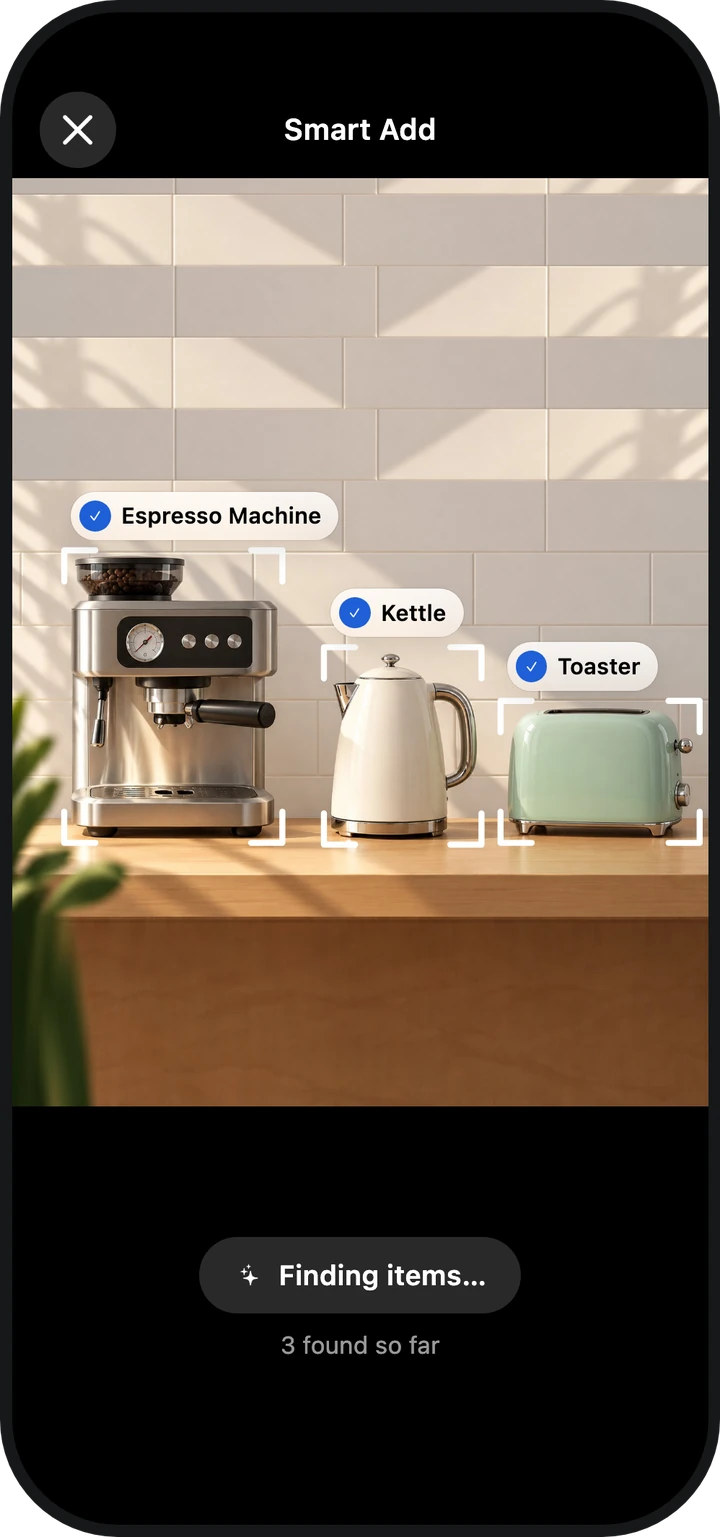
You don't have to remember what you have, where it is or when it runs out. Take a photo to add an item, and Home Stock keeps count.
Set Up in Minutes
Set up rooms the way your home is laid out.
Take a photo or type a name. Only the name is required.
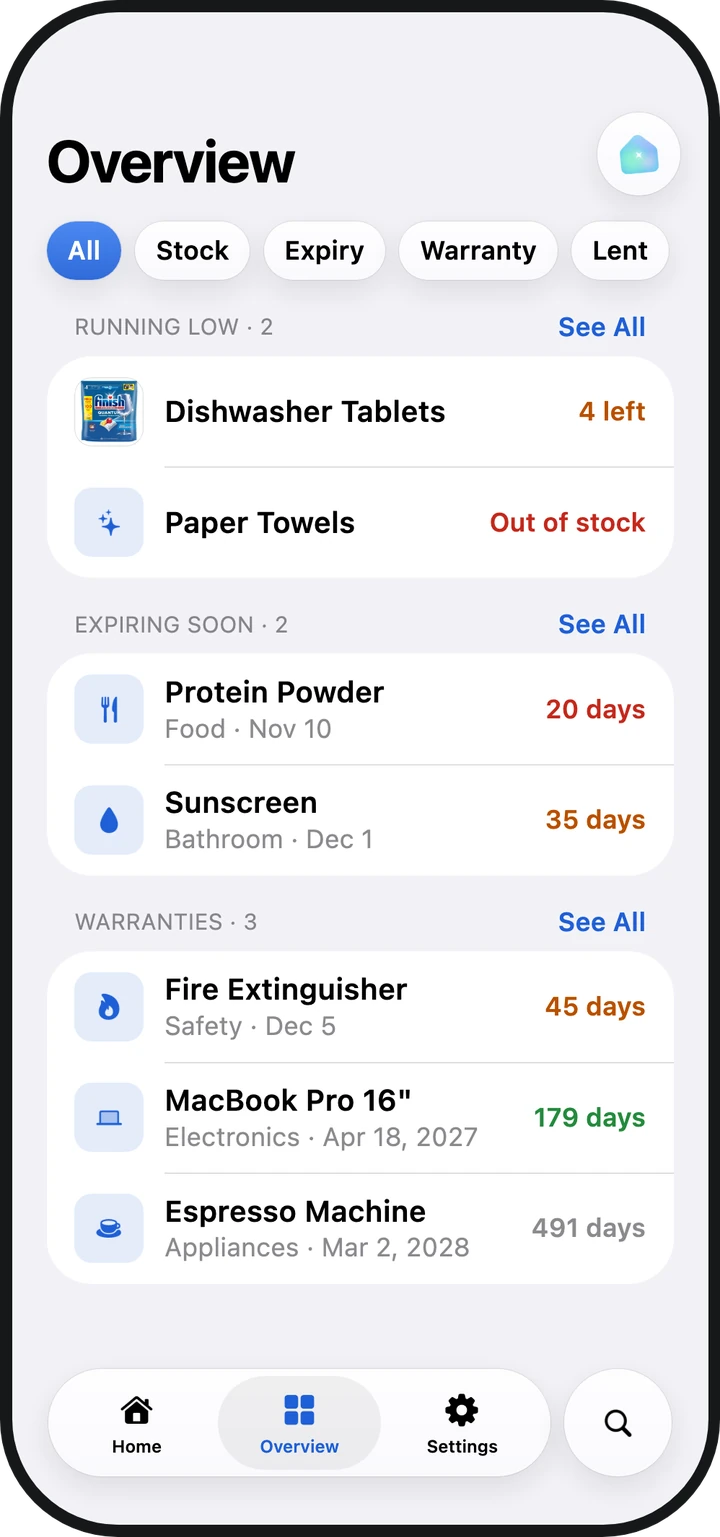
One screen shows what is running low, expiring or lent out.
Features
Home Stock remembers what you have, how many, and where each thing is kept.
Point your camera at one item or a whole shelf. Home Stock recognizes each item and suggests a name, category and room.
One screen sorts your stock, expiry dates and warranties by urgency.
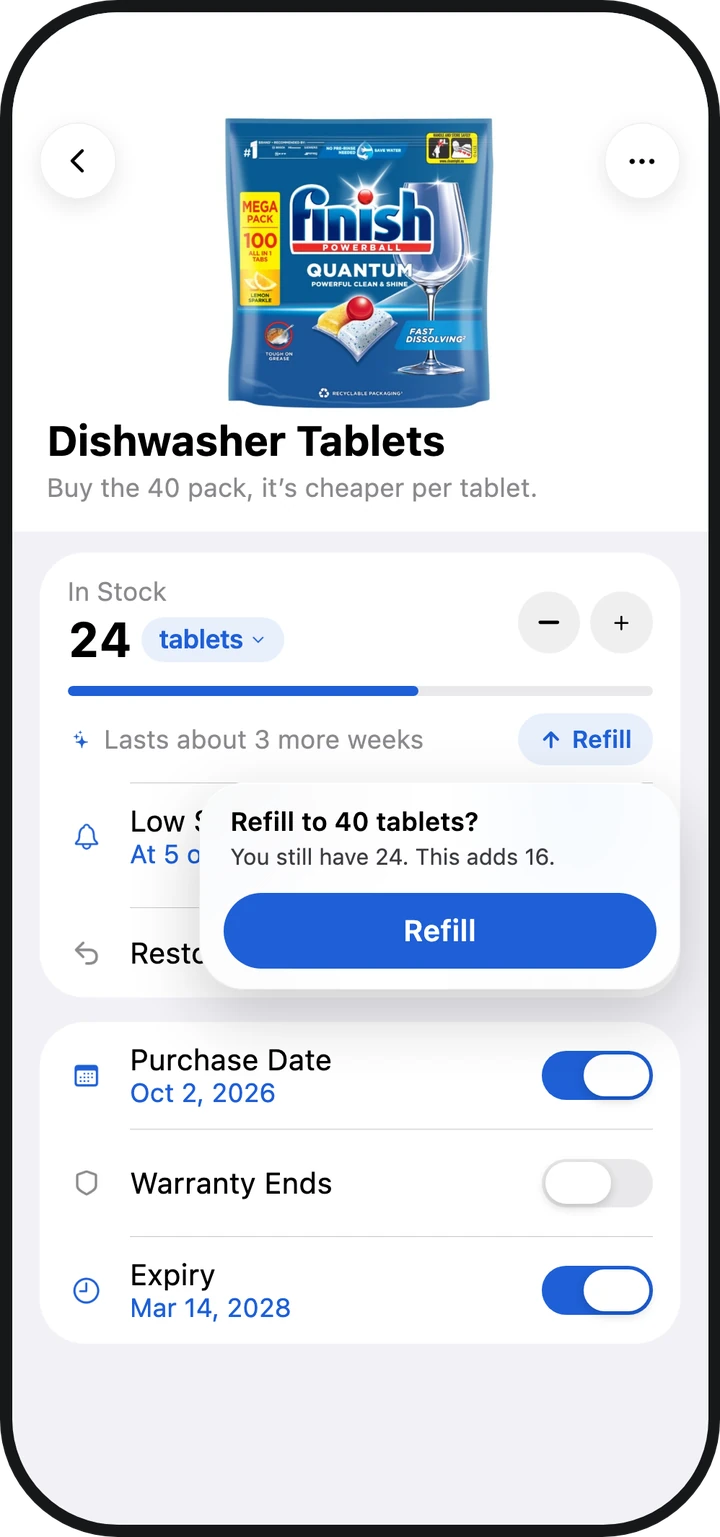
Set a quantity for each item and the level to be warned at. Tap Refill when you have bought more.
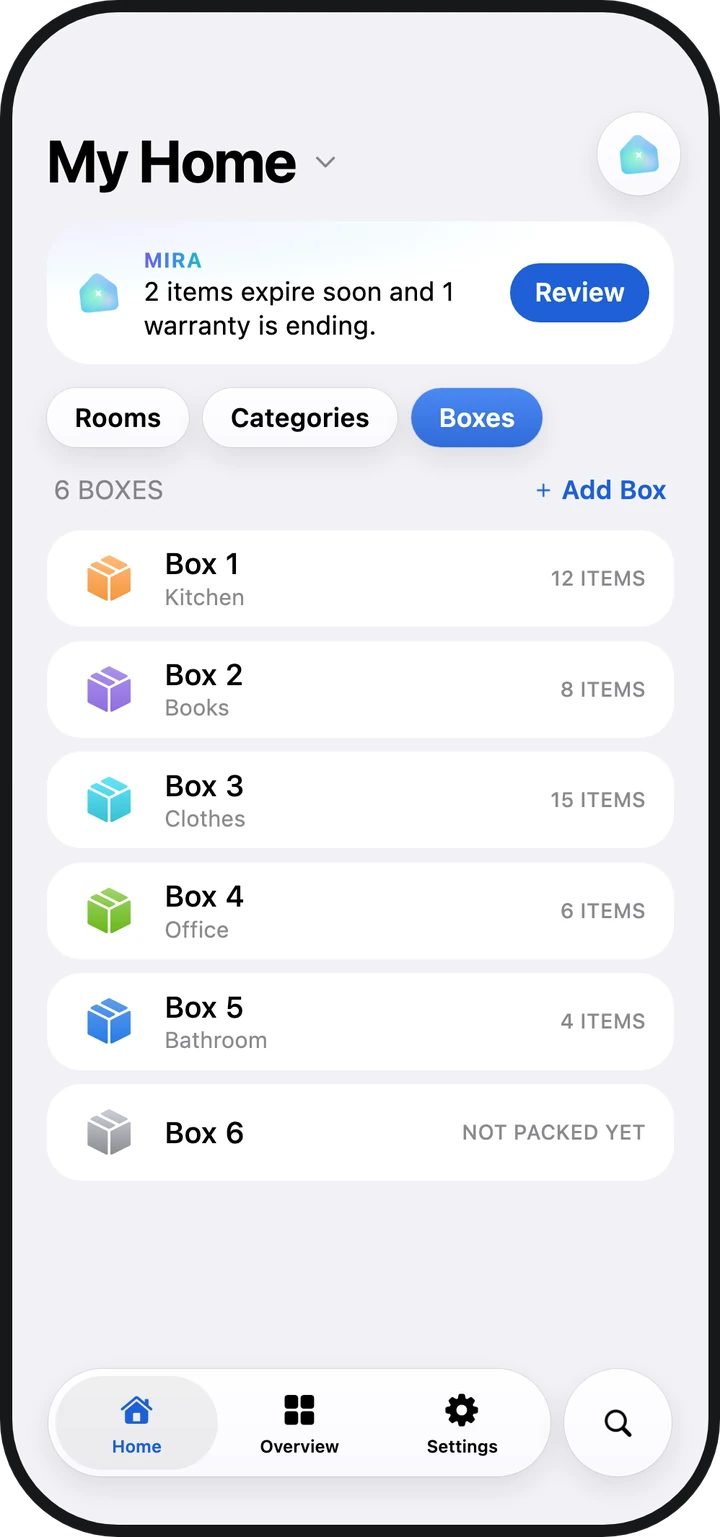
Create a box, put items in it, and see what is inside without opening it.
And More
Group items in a room with folders, such as a shelf or a drawer.
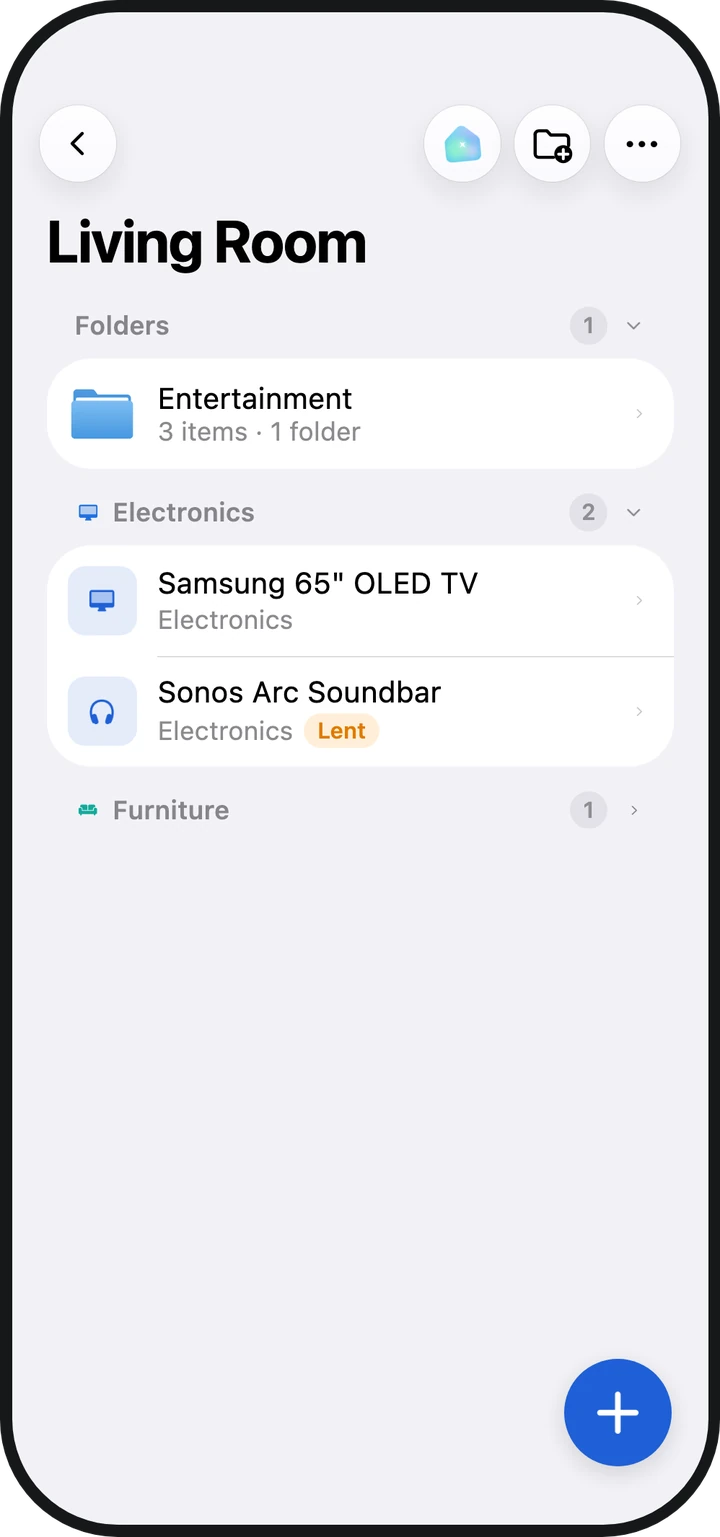
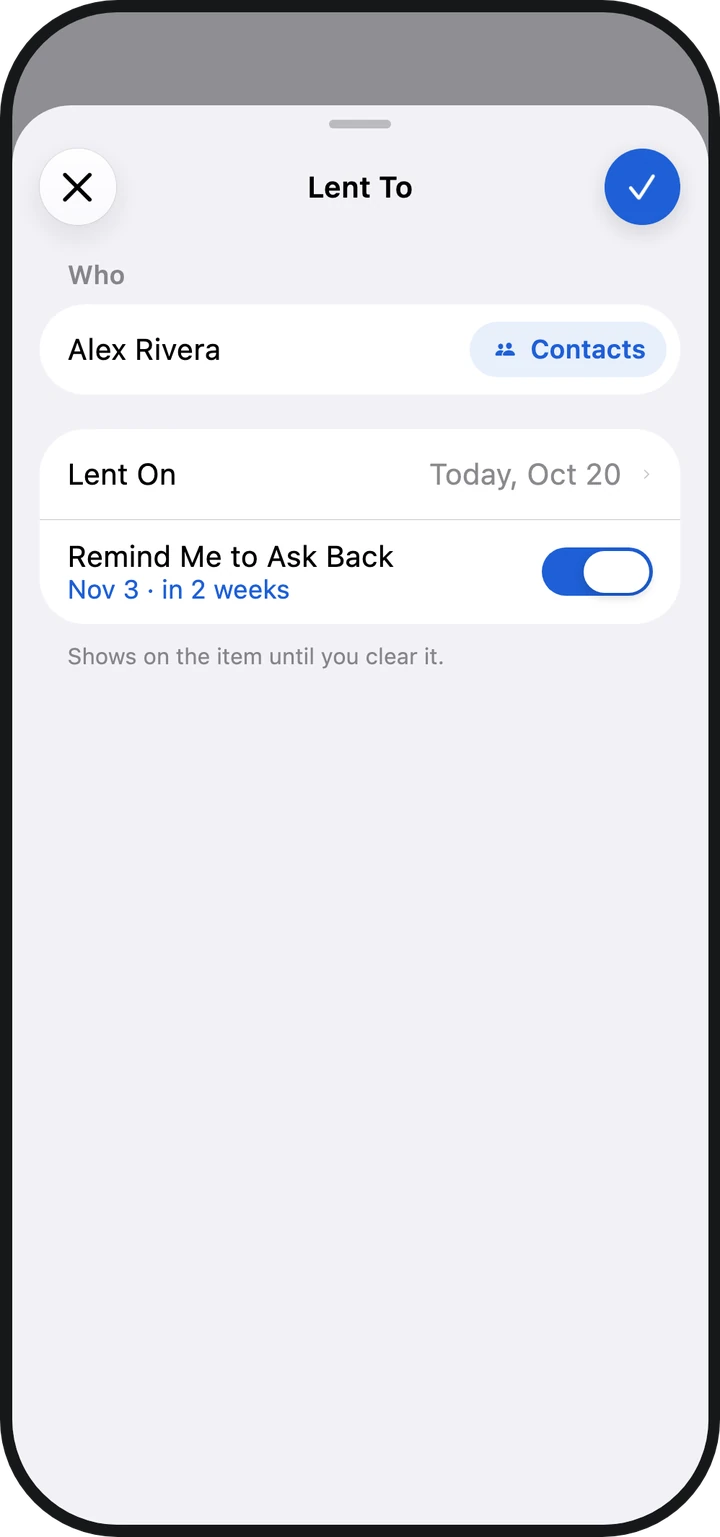
Note who has an item and get a reminder to ask for it back.
Make shopping and packing lists from your stock.
Export a PDF or Excel list of your belongings with values.
Invite family or roommates and choose who can edit.
Keep separate stock for another home or an office.
Questions
Home Stock is free to start. Pro unlocks unlimited items, rooms, homes and boxes, plus photo recognition, folders, reports, alerts and shared homes.
iPhone, iPad and Android. Sign in to back up your stock and open it on any device.
No. Take a photo of one item or a whole shelf and Home Stock suggests the name, category and room. You can also add items by hand; only the name is required.
Yes. Invite family members or roommates with a code and choose who can edit and who can only view.
Yes. Keep separate stock for another home, a rental or an office, and switch between them in a tap.
Home Stock is available in more than 30 languages.
Write to us at support@home-stock.io. Questions and ideas are both welcome.

Free to start on iPhone, iPad and Android.